
Technology
The Importance of User Feedback Loops in AI Slide Builders

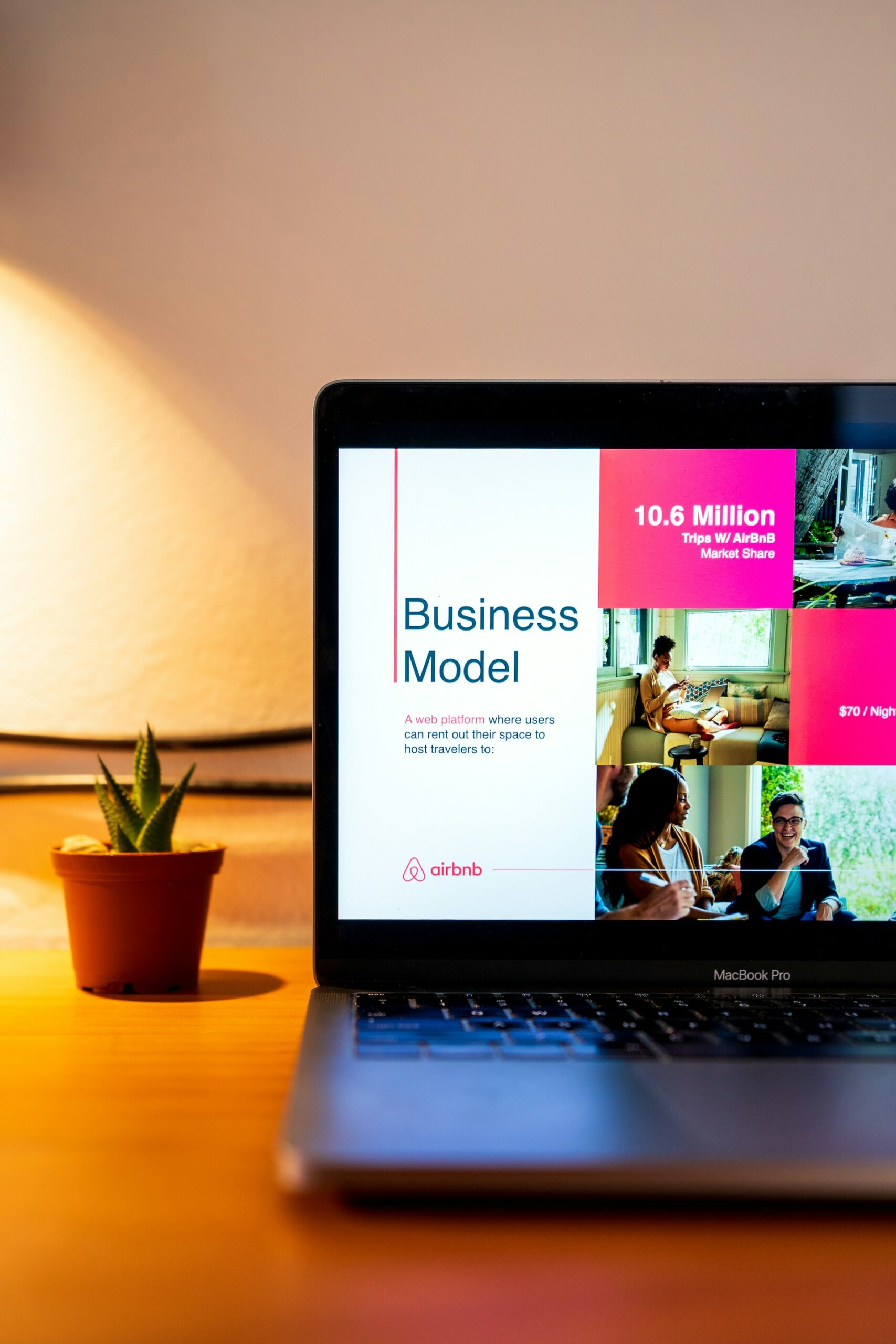
Artificial intelligence (AI) is transforming how we design, create, and present information. One of the clearest examples of this shift is in AI slide builders — tools that automatically generate sleek, on-brand presentations in minutes. But what separates an average AI presentation generator from an exceptional one isn’t just its design templates or automation speed — it’s how effectively it learns from you.
That learning comes from user feedback loops — continuous systems that allow AI to improve based on real user interactions. Whether you’re refining visuals, adjusting tone, or guiding layout choices, your input directly shapes the model’s evolution. Before diving deeper, it’s worth exploring options related to an AI presentation maker to understand how different platforms leverage feedback mechanisms to make each presentation more accurate, engaging, and personalized.
What Exactly Is a Feedback Loop in AI?
In simple terms, a feedback loop is the process where the AI system takes user input, analyzes it, and uses it to refine future outputs. In the context of AI slide builders, that means when you tweak a slide layout, change a color scheme, or reject an auto-generated image, the system logs that data. Over time, those actions teach the AI what works and what doesn’t.
Think of it like training a personal design assistant — every time you provide feedback, you’re improving its ability to understand your aesthetic preferences, communication style, and brand guidelines.
For example:
- If you consistently choose minimalist layouts, the AI will learn to prioritize whitespace and clean typography in future slides.
- If you adjust the tone of your presentation text from formal to conversational, the system starts offering more approachable phrasing suggestions.
- If you prefer image-heavy slides with fewer bullet points, the AI adapts by recommending more visual templates.
This process of observe → learn → refine → improve is the heartbeat of AI evolution.
Why Feedback Loops Are Essential in AI Slide Builders
1. Personalization Through Real Interactions
User feedback loops transform a one-size-fits-all tool into a personalized design assistant. Without feedback, AI systems remain static — capable of automation, but not improvement.
By analyzing thousands of micro-interactions (clicks, edits, time spent per slide), the AI learns individual preferences and industry trends. For instance, a marketing professional may prefer bold typography and color-heavy slides, while an academic researcher leans toward minimalist, data-driven visuals.
2. Improved Accuracy and Efficiency
Every correction a user makes — replacing a stock image, reordering bullet points, or modifying color palettes — becomes a training signal. Over time, this reduces repetitive manual adjustments, cutting slide creation time by up to 60–70%, according to internal benchmarking studies from leading AI design platforms.
This means less “fixing” and more “finalizing.” Instead of spending hours polishing layouts, users can focus on refining ideas and storytelling.
3. Human-AI Collaboration at Its Best
AI isn’t meant to replace creativity — it’s meant to amplify it. Feedback loops enable a collaborative relationship where humans provide context and judgment, while AI handles pattern recognition and scaling.
In other words, the user becomes a creative director, and the AI becomes a fast, adaptive assistant. Over time, this collaboration leads to smarter suggestions and more intuitive design flows.
How AI Slide Builders Use Feedback Technically
Let’s get a bit technical (without going overboard).
Most AI slide builders use supervised learning and reinforcement learning methods to process feedback:
- Supervised Learning: When users label or correct content (e.g., “Change this title font to Roboto”), the AI uses that as a data point to adjust its future predictions.
- Reinforcement Learning (RL): The system treats feedback as a “reward” or “penalty.” For example, if users frequently accept a particular slide layout, that layout gets a higher internal reward score. If they reject it, the model learns to deprioritize it.
Combined, these methods allow the AI to continuously evolve — even without a full retraining cycle. Some advanced systems also integrate implicit feedback, such as time spent viewing a slide or whether users download the final presentation, to infer satisfaction levels.
Common Types of Feedback That Drive AI Improvement
- Direct Feedback – Users explicitly rate or edit content.
- Behavioral Feedback – The AI observes user actions (e.g., deleting a slide, replacing text).
- Collaborative Feedback – Patterns are detected across multiple users with similar needs or industries.
- Contextual Feedback – The AI learns from situational data, like the type of presentation (pitch deck vs. academic report).
Each type contributes differently to the learning cycle, combining to make the AI smarter with every iteration.
Actionable Insights: How to Make the Most of Feedback Loops
If you use or develop AI slide builders, here are practical ways to enhance feedback effectiveness:
1. Be Consistent With Edits
When you regularly adjust certain elements (colors, tone, layout), you’re sending strong training signals. Consistency helps the AI identify patterns faster.
2. Use Built-in Feedback Tools
Many platforms include feedback buttons or “rate this slide” prompts. Take advantage of them — they directly influence system training.
3. Engage With Beta Features
Early versions of new AI capabilities rely heavily on user data to mature. Testing and offering suggestions accelerates innovation.
4. Close the Loop With Analytics
Some tools visualize how your feedback improved performance. For example, they might show that your editing time dropped by 30% after a few sessions. Reviewing this data helps you understand how your input matters.
The Business Value of User Feedback in AI Systems
Feedback loops don’t just benefit individual users — they’re a competitive advantage for AI developers and businesses.
- Faster Iteration Cycles: Real-time feedback shortens development timelines.
- Better User Retention: Systems that evolve with user preferences increase loyalty and reduce churn.
- Higher Quality Output: Personalized recommendations lead to cleaner, brand-consistent presentations.
- Scalable Intelligence: Aggregated feedback from thousands of users builds collective intelligence, improving the model for everyone.
According to a 2024 report by McKinsey, AI platforms that actively implement structured feedback loops experience 20–40% faster model improvement compared to those relying solely on periodic retraining.
Challenges and Ethical Considerations
Of course, feedback loops aren’t perfect. There are challenges like:
- Bias Reinforcement: If the majority of users prefer certain designs, the AI might over-prioritize them, reducing diversity in output.
- Data Privacy: Feedback often includes personal or brand data. Ensuring transparency and compliance with privacy standards (like GDPR) is critical.
- User Fatigue: Too many feedback prompts can frustrate users, so the process should feel natural and unobtrusive.
Balancing learning efficiency with user comfort and ethics is key to long-term success.
The Future of Feedback-Driven AI Design
The next generation of AI slide builders will move beyond passive feedback to predictive personalization. That means anticipating your preferences before you express them — much like Netflix or Spotify does for media recommendations.
Soon, AI presentation platforms will automatically tailor entire decks based on your writing style, audience profile, or even voice tone extracted from past content. And yes, feedback loops will still be the foundation — the silent teacher behind every “smart” feature.
Final Thoughts
The magic of AI slide builders doesn’t just come from automation — it comes from adaptation. Feedback loops bridge the gap between human creativity and machine intelligence, turning static tools into living systems that grow smarter with every click and comment.
Whether you’re building, using, or investing in AI-driven presentation tools, remember this: your feedback isn’t just input — it’s innovation fuel.

Looking slim and balanced in photos isn’t magic – it’s a mix of smart outfit choices and clever camera angles. Many people underestimate how much a small tweak can transform their appearance. If you want extra help to perfect the look, https://retouchme.com/service/skinny-photo-editor can subtly refine your silhouette, giving natural results without hours of effort.
Choosing Clothes That Flatter
Your outfit can make or break your appearance. The wrong cut can add pounds, while the right shape can streamline your figure. Here’s what works:
- Vertical lines and structured pieces create a lengthening effect. Long cardigans, tailored blazers, and dresses with vertical seams guide the eye up and down.
- High-waisted pants and skirts visually elongate your legs, making the lower half look slimmer and balanced.
- Avoid bulky layers that add unnecessary volume. Fitted or slightly loose pieces work best.
- Monochrome or similar-tone outfits make your body look taller and cohesive, while contrasting colors can break your silhouette.
Even small swaps, like straight-leg pants instead of wide-leg or a wrap-style top instead of a boxy one, can make a noticeable difference. RetouchMe can complement these choices if you want your outfit to look perfect with your body shape.
Camera Angles That Slim and Stretch
Clothes are only half the story – how you pose matters just as much. Certain angles create natural slimming effects:
- Shoot slightly from above: A camera just above eye level elongates the neck and torso while slimming the face.
- Turn your body slightly: Facing straight-on can make you appear wider; a slight angle with one foot forward adds depth and curves.
- Watch your distance: Too close, and features distort; too far, and you lose detail. Mid-range shots usually work best.
- Leaning poses: Leaning slightly or resting weight on one leg adds a relaxed, flattering line without stiffness.
Once you find angles that suit your body, taking flattering shots becomes much easier.

Combining Clothes and Angles for Best Results
To make your silhouette look its best, combining wardrobe choices with smart angles is essential. Try layering pieces that flow but don’t add bulk, and position the camera so your strongest angles are highlighted. Accessories can also help: belts, scarves, and necklaces can guide the eye and emphasize or slim different areas.
Apps like RetouchMe are useful when you want a final polish. They allow for small adjustments to your body’s lines without overdoing it. For example, using the “Remove fat folds” feature, you can refine areas that clothing or camera tricks can’t fully disguise. The editing process is quick – typically 5 to 15 minutes – and produces natural results that enhance what you already achieved with styling and posing.
Ultimately, the goal is balance. You don’t need extreme measures; the right combination of fitted clothes, flattering cuts, and smart angles already does most of the work. Small tweaks with RetouchMe can take your photos from good to striking, giving you confidence and harmony in every frame.

Introduction
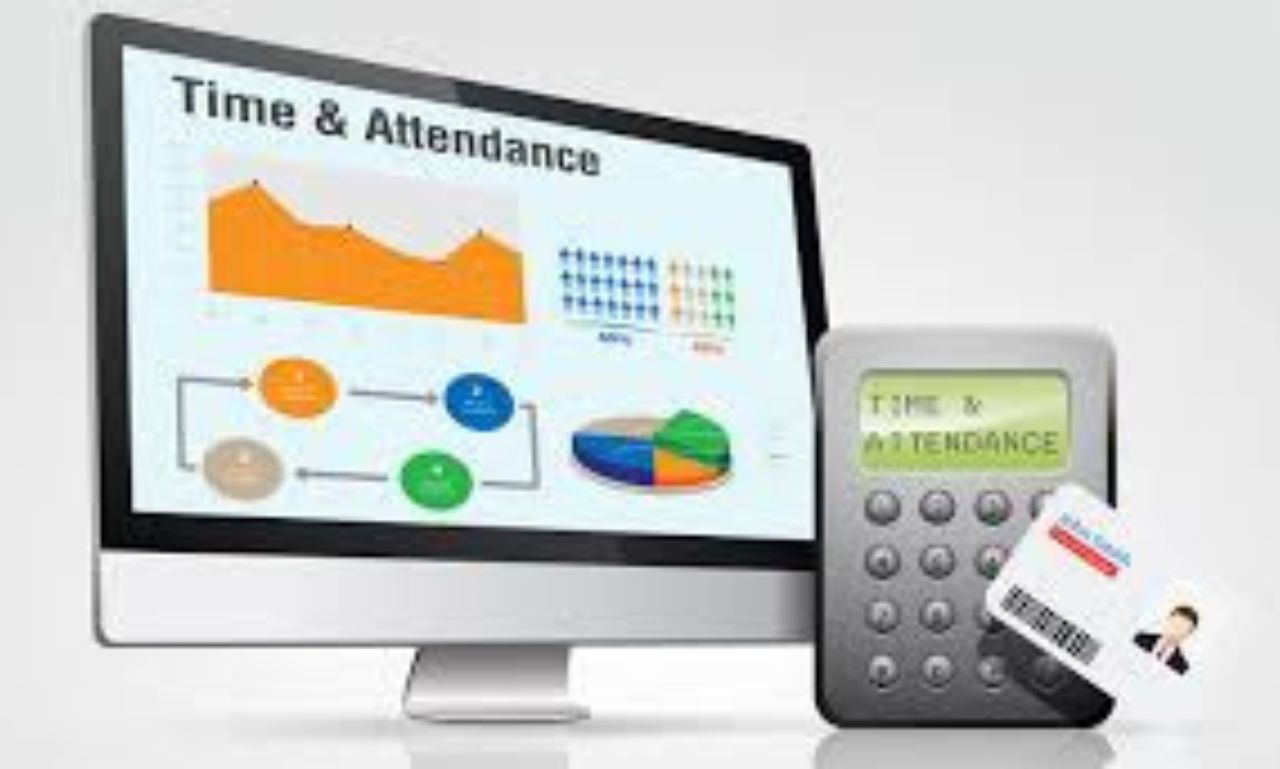
In today’s fast-paced business world, managing employee time and attendance efficiently is more important than ever. Manual attendance systems—like punch cards, paper sheets, or Excel spreadsheets—often lead to errors, time theft, and lost productivity. This is why many organizations are shifting toward employee time and attendance software, a digital solution that automates tracking, reduces human error, and ensures compliance with labor regulations.
The benefits of employee time and attendance software go far beyond clocking in and out—it can transform your company’s workforce management, streamline payroll processes, and increase employee accountability.
1. Accurate Tracking of Work Hours
One of the most significant benefits of using time and attendance software is the ability to accurately record employee work hours. Traditional systems are prone to errors or intentional manipulation (for example, “buddy punching”).
Automated software uses technologies like biometric verification, mobile GPS tracking, and digital logins to ensure accuracy and prevent fraud. Accurate data collection minimizes disputes about hours worked and helps ensure fair compensation for all employees.
📘 For more on workplace productivity solutions, you can visit Forbes on Workforce Management.
2. Improved Payroll Accuracy and Efficiency
Payroll is one of the most time-consuming administrative tasks for HR teams. By integrating time and attendance software with payroll systems, you can automatically calculate work hours, overtime, and leave deductions without manual intervention.
This automation significantly reduces payroll errors and ensures timely payments. Businesses that rely on manual calculations often struggle with inconsistencies that can lead to employee dissatisfaction and even compliance penalties.
Additionally, most modern software integrates seamlessly with accounting and HR systems, making end-to-end payroll management smooth and error-free.
For example, platforms like QuickBooks and ADP support direct integration with attendance systems, helping businesses streamline the entire process.
3. Enhanced Employee Productivity
Time and attendance software allows employees to manage their own schedules more effectively. Through employee self-service portals, staff can view their attendance records, request leave, or check available vacation days.
This transparency boosts trust and accountability within the organization. When employees can see how their time contributes to the company’s overall productivity, they are more likely to stay engaged and efficient.
Moreover, managers can identify trends—such as frequent tardiness or absenteeism—and take proactive measures to address them.
👉 For a detailed guide on increasing employee productivity, check out Harvard Business Review’s insights on productivity management.
4. Streamlined Compliance and Reporting
Compliance with labor laws and workplace regulations is non-negotiable. Businesses are required to maintain accurate records of employee working hours, breaks, and overtime. Manual systems often fall short in ensuring compliance with standards such as the Fair Labor Standards Act (FLSA) in the U.S. or similar global labor laws.
Time and attendance software automatically logs all these details, ensuring that businesses stay compliant and audit-ready at all times.
With real-time reporting and automated alerts, HR professionals can easily generate reports for inspections or legal documentation—saving hours of manual paperwork.
For more on compliance best practices, you can refer to the U.S. Department of Labor’s compliance guide.
5. Reduction in Time Theft and Buddy Punching
“Buddy punching” occurs when one employee clocks in for another—a common issue in workplaces that rely on manual systems. This leads to time theft and inflated payroll costs.
Modern employee time and attendance software uses advanced verification methods like biometric scans, facial recognition, or geolocation-based check-ins to eliminate these risks entirely.
These tools ensure that only authorized personnel can record attendance, improving overall integrity in workforce management and saving businesses thousands of dollars annually.
6. Real-Time Insights and Analytics
Data is one of the most powerful tools a business can leverage. With a digital attendance system, companies can access real-time insights into employee work patterns, absences, and overtime trends.
This data can be used to forecast staffing needs, manage workloads, and make better business decisions. For example, managers can identify departments that frequently log overtime and analyze whether additional hires or scheduling adjustments are needed.
Such actionable insights promote data-driven decision-making, which helps optimize productivity and reduce labor costs.
7. Remote and Flexible Work Support
The rise of remote and hybrid work models has made attendance tracking more challenging. Traditional methods simply can’t handle employees working from multiple locations.
Modern time and attendance systems come equipped with mobile apps, GPS-based tracking, and cloud-based dashboards that allow employees to log in from anywhere—ensuring flexibility without losing accountability.
Employers can view real-time check-ins, activity logs, and productivity data, maintaining transparency and trust in remote work setups.
For instance, tools like Clockify and Toggl Track provide flexible time-tracking options for both on-site and remote employees, promoting a healthy balance between autonomy and oversight.
8. Cost Savings and ROI
Although implementing attendance software involves an initial investment, the long-term cost savings are substantial. Automation reduces administrative labor, prevents payroll fraud, and minimizes errors—all contributing to improved ROI.
Businesses can also avoid penalties related to compliance violations and save valuable HR hours that would otherwise be spent on manual tracking and corrections.
According to a study by the American Payroll Association, companies using automated time-tracking systems reduce payroll processing time by up to 80% and save an average of 2–5% on payroll expenses annually.
9. Better Leave and Absence Management
Managing employee leave can be tricky without a centralized system. Time and attendance software simplifies this by allowing employees to apply for leave digitally, while HR teams can approve or deny requests instantly.
The system automatically updates leave balances and ensures that team schedules remain balanced, preventing understaffing.
Managers can also forecast peak leave periods and plan accordingly, ensuring continuous business operations.
10. Scalability and Integration
As businesses grow, managing a larger workforce becomes increasingly complex. One of the key benefits of time and attendance software is scalability—you can easily add new employees, departments, or even locations without overhauling the entire system.
Most modern platforms integrate with HRM, ERP, and payroll solutions, making it easy to maintain centralized control over the entire workforce.
This adaptability ensures that the system grows alongside your business, keeping operations efficient and well-organized.
Conclusion
In conclusion, implementing employee time and attendance software is not just a convenience—it’s a strategic investment in productivity, accuracy, and compliance.


The Power of UGC Video Creators in Influencer Marketing
In today’s world of marketing, one of the most significant shifts has been the rise of User-Generated Content (UGC). While...

How Online CNC Turning Services Achieve 30% Cost Savings Without Compromising Speed or Quality
Introduction In today’s competitive market, product development teams and procurement engineers face a common problem: pay a high premium to...


Avoiding Costly Mistakes: A Scientific Guide to Selecting the Best Material for Your Custom Gear Systems
Introduction In the area of mechanical engineering, experts are generally confronted with the classic trade-off problem when designing custom gear...


Labarty: Hidden Gems and Off-the-Beaten-Path Spots
Nestled away from the bustling tourist trails, Labarty is a treasure waiting to be uncovered. This charming destination boasts stunning...


How Much Is Cost Segregation Study? A Practical Pricing Guide for Real Estate Owners
If you own income-producing real estate, you’ve probably heard that a cost segregation study can accelerate depreciation and unlock meaningful...


How Custom Development Enables Scalable Digital Transformation
Digital transformation is no longer a short-term initiative. It is an ongoing process that needs systems capable of growing alongside...


How Long Does It Take to Be a Surgical Tech
If you’re asking how long it takes to be a surgical tech, you’re likely trying to plan your next move...


The Comprehensive Guide to Forklift Rentals: Enhancing Efficiency, Safety, and Flexibility in Industrial and Warehouse Operations
In modern industrial, warehouse, and construction operations, the ability to move, lift, and transport heavy materials efficiently is essential for...


Is Seekde the Right Solution for Your Business? An In-Depth ROI Analysis
If you have been paying attention to the latest shifts in business technology, you have likely heard the buzz surrounding...
The Ultimate Guide to 123Movies Alternatives: Safe and Reliable Streaming Options
The digital landscape of 2025 is a graveyard of broken links and seized domains. Remember the days when you could...
-

 How to7 months ago
How to Get My Instagram Password on Android
-

 Social Media7 months ago
Go Viral Overnight: Proven Instagram Power Moves to Beat the Algorithm
-

 Social Media7 months ago
Going Viral in the Digital Age: Meaning, Importance, and Practical Tips
-

 Social Media7 months ago
7 Powerful Tips to Reach More People on Facebook (Without Spending a Fortune)
-

 How to7 months ago
How to Turn Instagram Followers into Real Customers
-
Viral Tips2 years ago
Make Money Online from Home 2024
-
 How to7 months ago
Viral Tips Online – How to Blow Up on TikTok Fast
-

 How to7 months ago
Viral Tips Online – Secrets to Explode Your Instagram Reels & Posts